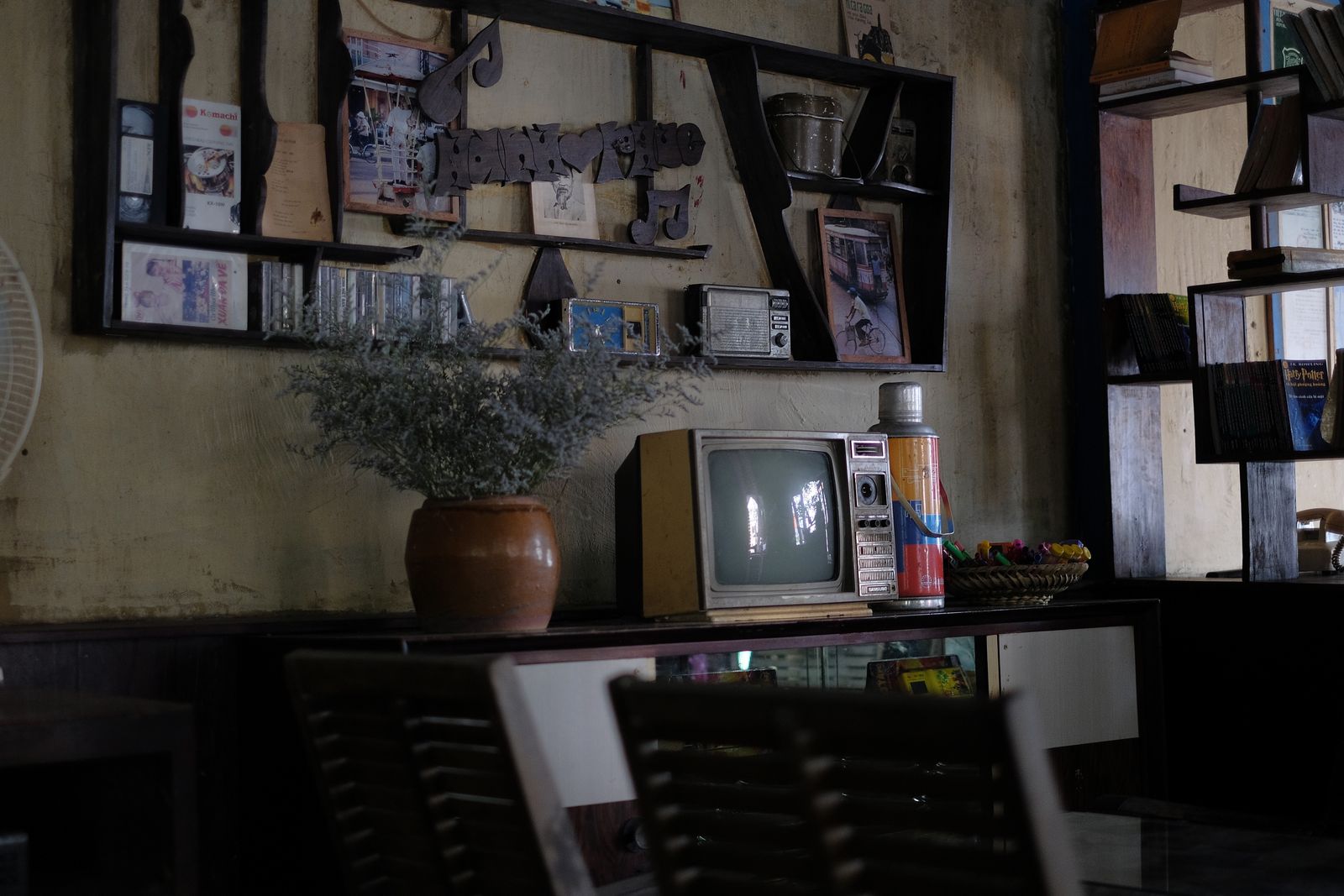
Short answer: Old footage looks soft on a modern TV because your screen has far more pixels than the original recording ever held. The set stretches a small picture across a large panel, so detail spreads thin and edges go fuzzy. Enhancement and upscaling can rebuild sharpness, steady the grain and clean up colour. How far it goes depends on the condition of the file you already have.
Your TV is bigger than the footage was ever meant to be
Most home video from the 1990s and 2000s was recorded at a small frame size. It looked fine on the small, curved screens of the day.
A modern 4K panel holds many times more pixels. When it plays that old file, it has to fill every one of them. It guesses at the gaps, and guessing looks soft.
Nothing has gone wrong with your file. The screen has simply moved on without it.
Four things that make old video look worse than you remember
- Low frame size. There is less real detail to show, so the picture blurs when it is scaled up.
- Compression. Files that were squeezed small for storage or email lose fine texture and show blocky patches.
- Noise and grain. Low light on the original camera adds speckle that a big screen makes obvious.
- Faded or shifted colour. Whites drift warm or green, and skin tones stop looking right.
Interlacing is another common one. Older video was recorded in alternating half frames, which shows as combing lines on fast movement.
What upscaling actually does
Upscaling increases the frame size of your video so it matches what a modern screen expects. The simple version just stretches the picture, which is why a plain resize rarely helps.
Good upscaling works differently. It studies the real detail that is present, then rebuilds edges and texture at the larger size in a way that stays true to the source.
We use AI-assisted tools guided by our editors, not left to run on their own. The tools do the heavy lifting on noise and scaling. Our editors set the limits and pull back when the picture starts to look plastic or over sharpened.
We do not invent detail that was never in your recording. If a face was out of focus when it was filmed, it stays out of focus. What we can do is present the detail that is there far more clearly.
How to digitally enhance a video you already have
Here is the order of work we follow on most jobs. It matters, because cleaning in the wrong order bakes in problems you cannot undo later.
- Start from the best file. Send the original digital file, not a copy that has been trimmed, re-saved or sent through a messaging app.
- Deinterlace first. Combing lines have to go before anything is scaled, or they get scaled too.
- Reduce noise carefully. Too much smoothing wipes out skin texture and hair, so we set it for your footage and keep it gentle.
- Then upscale. Increase the frame size once the picture underneath is clean.
- Correct colour last. Balance the whites, recover contrast and even out shots that were recorded at different times.
- Review the result. We watch the finished file before it goes back to you.
Enhancement is applied evenly across the whole video rather than tuned scene by scene. That is why the free preview matters: it shows what your own footage can become before you commit.
What to expect, honestly
Some footage responds beautifully. Clean daylight scenes at a decent original size often gain real clarity, and people notice straight away.
Other footage has limits. Heavy compression, extreme low light or a camera that was moving fast all cap what can be recovered.
Results vary scene by scene with the condition of the original recording. We would rather tell you that up front than promise a number we cannot stand behind. You can see paired before and after examples on our before and after examples page.
Sound and stills usually need work too
Old footage rarely has a sound problem you can ignore. Hiss, hum and room echo stand out more once the picture gets sharper. Our audio enhancement work handles that side.
Family photos from the same era often sit alongside the video. Fading, creases and scratches on a scanned image can be treated with photo enhancement and restoration.
We work on files you already have, so everything comes to us as a digital upload. If you need corporate or business video produced or edited, Dvideo Productions handles that side of the family.
To start, see video enhancement and restoration and send the file you want looked at.
Pixel 360 Media is based in Westchester, NY, and works with clients across the country through a fully remote platform.
Stay Updated
Get the latest tips on video enhancement, photo restoration, and audio cleanup delivered to your inbox.
No spam. Unsubscribe anytime.